
Free and Max plans
Compare Free and Max and check which plan and limits apply to your Space. A Space is a shared workspace in the app.
On this page
These limits and prices apply
| Item | Free plan | Max plan |
|---|---|---|
| Monthly price, excluding tax | no price; Free cannot be purchased | 25.00 with an annual commitment, 28.00 with a monthly commitment |
| Commitment | – | 12 months for an annual commitment, 1 month for a monthly commitment; renews for the same period |
| Total publications per Space (called Deployments in the app) | 3 | any number |
| Versions retained by a project | 3 | 5 |
| Backups per project | 1 | 3 |
| Projects per Space | 1 | 10 |
| Custom domains per Space | as many as projects: 1 | as many as projects: 10 |
| Storage per Space for all retained versions and backups | 100 MB | 5 GB |
| Size of a version | at most 50 MB and 1,000 files | no plan limit; hosting node limits apply |
| Packages per unit per month, excluding tax | not available | only with a purchased Max subscription: Add-on pack +5 websites for 10.00, Add-on pack +10 GB storage for 5.00; see Buy additional packages |
Good to know
- Max applies once the first payment arrives, and while the subscription is active or past due. To purchase it, see Purchase the Max plan.
- TEISENDA bills in CHF for billing addresses in Switzerland or Liechtenstein, and in EUR for addresses in any of the 27 EU member states. The numeric price is the same in both currencies. TEISENDA does not sell the plan in other countries.
- Prices exclude tax. The billing country and VAT ID determine which tax is added.
- TEISENDA charges monthly for both commitments. Cancellation takes effect at the end of the commitment.
- TEISENDA counts projects; where the app says “websites”, for example in a package name, it means projects. Usage exactly at a limit is still within it.
Check your Space's plan
-
Open Billing
Open the Space settings and click Billing in the navigation. For the way into settings, see Space settings.
-
Read Plan
The card shows your plan and its limits. If you have a subscription, its summary appears below.
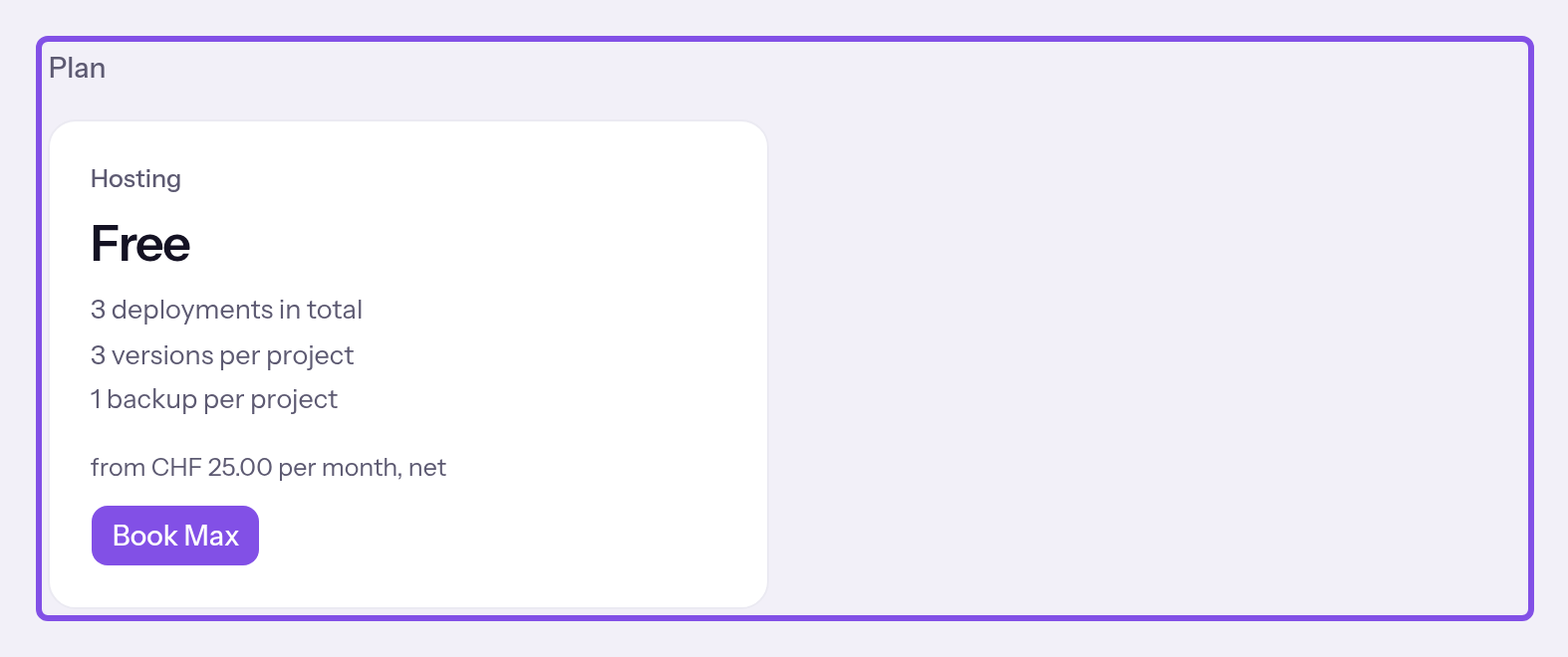
Plan with the product card. -
Read Usage
Compare Projects, Custom domains and Storage with your plan and package limits. Plan limit reached or Over the plan limit marks limits reached or exceeded.
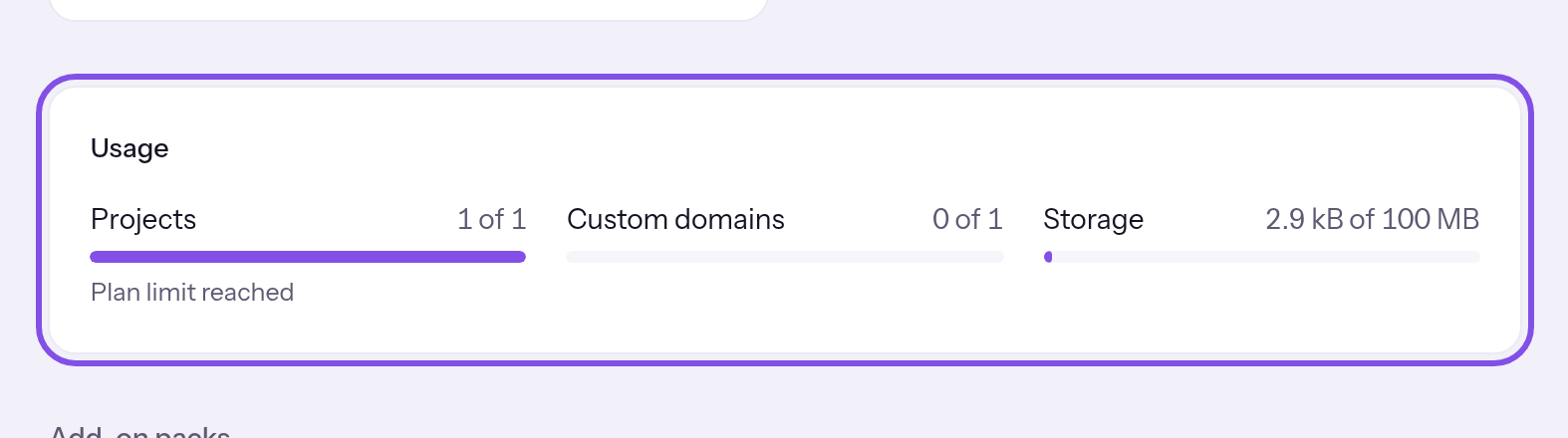
Usage with projects, custom domains and storage.
You can see your plan, subscription and usage. Only Owner and Administrator also see billing details and invoices.
A notice may appear above the sections: for a failed charge, see What happens after a failed charge; for paused websites, see What happens when a subscription ends.
Understanding subscription details
What do the subscription statuses mean?
- Payment pending: the first payment is pending. Max does not apply yet.
- Active: the subscription is running and Max applies.
- Payment overdue: a charge failed. Max still applies.
- Ended: the subscription has ended. The card shows the date and reason: cancelled, unpaid, payment not completed (the first payment never arrived) or Space deleted.
My Space has Max without a subscription
A Space can have Max without a subscription if TEISENDA has enabled it for that Space. If access has a last day, the card states it: “Enabled through … After that, Free applies again.” This type of Max has no packages.
Your role determines what you can view and change
| On Billing | Owner | Administrator | User | Read-only |
|---|---|---|---|---|
| Open the page; view the plan, subscription, usage and purchased packages | yes | yes | yes | yes |
| Purchase Max, cancel, change commitments, buy or remove packages, change billing details, view invoices and the card, change the payment method | yes | yes | no | no |
| Delete the Space | yes | no | no | no |