
Set up redirects
Set up redirects for your website.
On this page
Redirect old or short website paths to the right page or another address.
Note
You need Owner, Administrator or User in the Space. A Space is a shared workspace in the app.
Create a redirect
-
Open the editing dialog
In Redirects on the project page, click Edit redirects. The dialog starts with the saved list.
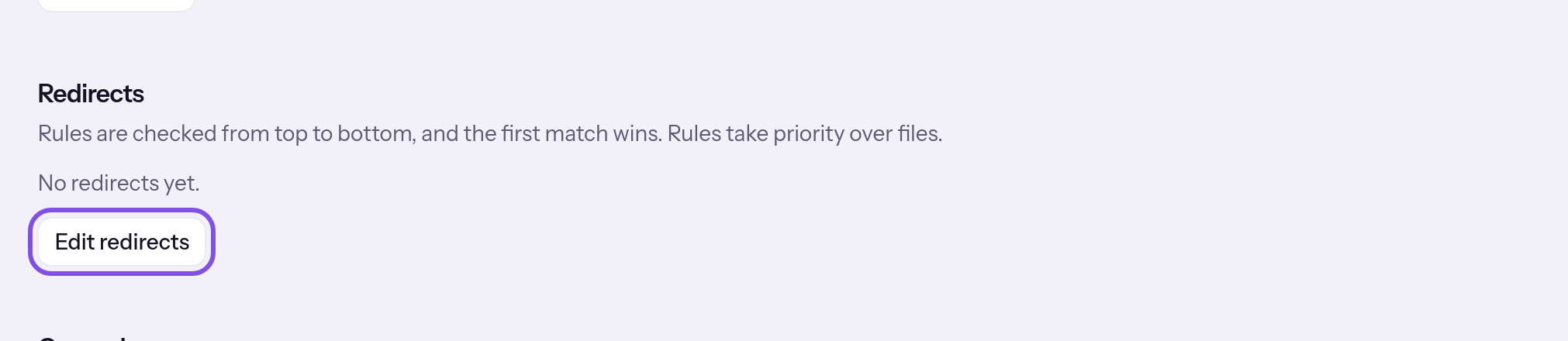
The edit button in Redirects. -
Add a rule
Click Add rule. An empty rule with status 301 appears at the end of the list.
The add-rule button. -
Fill in the rule
Under Source, enter the path visitors request, for example
/alt/:name, and under Target, the destination, for example/neu/:name. The target is a path starting with/or a full address starting withhttps://. Under Status, choose one of four values: 301 – permanent, 302 – temporary, 307 – temporary, keeps method or 308 – permanent, keeps method.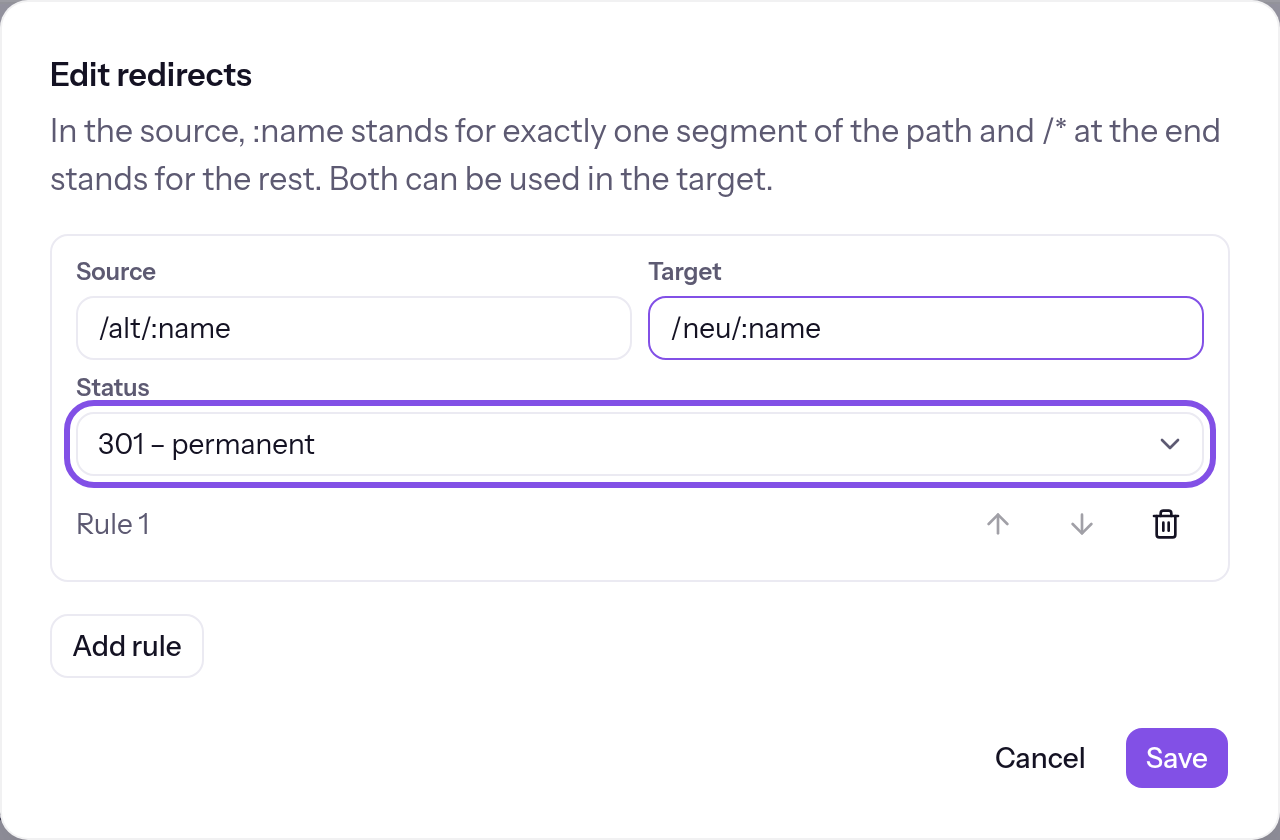
A rule with source, target and status. -
Save the list
Click Save. The entire list is checked; Redirects saved confirms saving.
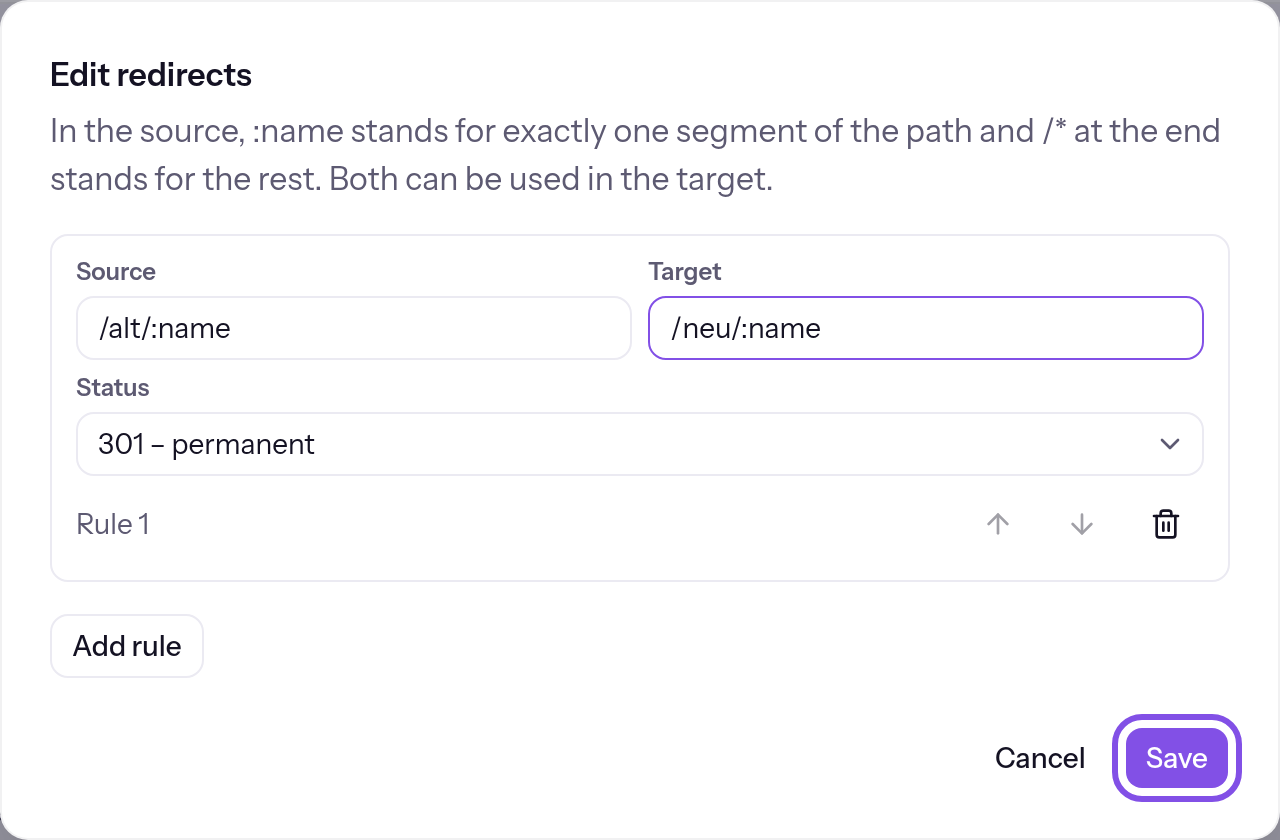
The dialog with the new rule; the save button is highlighted.
Saved rules apply before file serving. The first matching rule redirects with the chosen status.
Good to know
- Use the buttons below rules' fields to move them up or down; the first matching rule wins.
- In the source,
:namematches exactly one path segment, and/*at the very end matches the remainder. You can use both in the target, but no placeholder absent from the source. Regular expressions are unavailable. - TEISENDA rejects two source paths, including everything below each:
/.teisenda(private website access) and/.well-known/acme-challenge(certificate checks). - A project has at most 200 rules on Free or Max. At 200, the add button is disabled and a sentence beside it states why.
- Removing all rules and saving leaves no rules. Redirects from other project addresses to the primary domain and from HTTP to HTTPS are not rules and cannot be disabled.
If something goes wrong
An invalid rule is highlighted in the dialog with its reason below. TEISENDA then saves nothing.
The source must be a path that starts with / – with no spaces, ? or #. :name fills a whole segment; /* only goes at the end.
The source does not start with /, exceeds 500 characters or contains whitespace, ? or #. Or it uses * anywhere other than /* at the very end, or : other than in a :name filling a whole segment. Write the source as a path such as /alt/:name or /blog/*.
This path is reserved.
The source is /.teisenda or /.well-known/acme-challenge or lies below one of them. Choose another source.
The target must be a path that starts with /, or a full address starting with https://.
The target exceeds 1,000 characters, contains whitespace or #, starts with //, or is neither a path starting with / nor a full address starting with https://. TEISENDA does not accept an address using http://. Write the target as a path such as /neu/:name or an address such as https://www.example.com/neu.
The target uses a placeholder that doesn't appear in the source.
The target uses a :name absent from the source, or a * although the source does not end with /*. Use only the source's placeholders in the target.
This rule points to itself or loops back through other rules.
The rule points to itself or forms a loop with other rules. A target using one of the project's own addresses counts as a path. Change the target or order so every chain ends at a page.
Saved, but not yet transferred to the hosting node
This is not a rejection: the change is saved in TEISENDA, but the hosting node has not accepted it. Visitors still see the previous state. Wait about five minutes or send it yourself: Send the current state again.
For messages such as You don't have permission for that., see Understanding hosting.
More questions about redirects
What applies to source, target and status?
- Source: a path starting with
/, without whitespace,?or#, at most 500 characters. Case is used exactly as written. The request's query, the part after?, is passed unchanged to the target. - Target: a path starting with a single
/or a full address starting withhttps://, without whitespace or#, at most 1,000 characters. - Status: 301 (permanent, the default), 302 (temporary), 307 (temporary, preserves the method) or 308 (permanent, preserves the method).