
Withdraw cancellation
Withdraw a scheduled cancellation of your Max subscription before it ends. A Space is a shared workspace in the app.
On this page
Withdraw a cancellation
Note
You have Owner or Administrator in the Space, and the subscription is cancelled but has not ended.
Open Billing in the relevant Space.
-
Open the confirmation
Below the cancelled subscription's summary, click Withdraw cancellation.
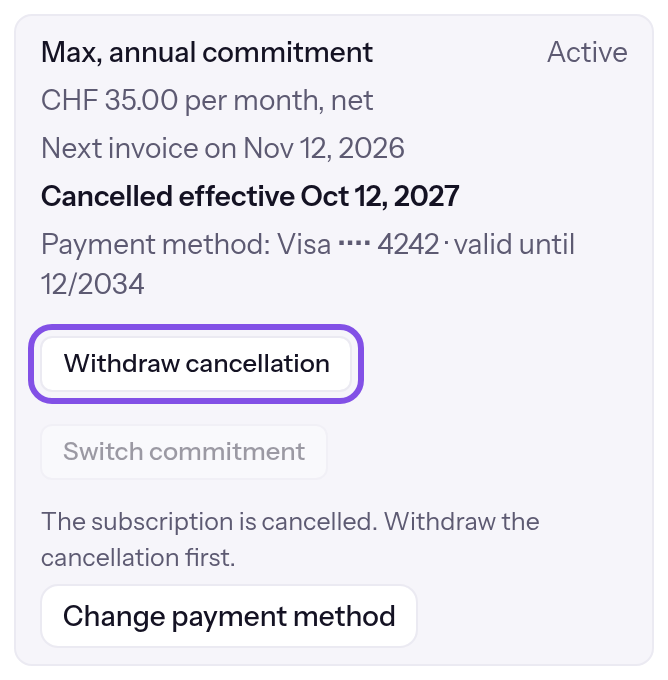
The withdraw button. -
Confirm withdrawal
Click Withdraw cancellation in the confirmation. A message shows The cancellation has been withdrawn.
The subscription continues and is charged again on the next invoice date. An annual commitment renews for twelve months at its end. A commitment change scheduled before cancellation applies again.
If something goes wrong
The payment provider isn't responding right now. Please try again in a moment.
The payment provider did not respond, and TEISENDA changed nothing. Try again a little later.
You don't have permission to cancel.
TEISENDA rejected withdrawal because you are not Owner or Administrator, or your session expired. Sign in again as Owner or Administrator.
That didn't work. Please try again.
Withdrawal failed for another reason, for example because the subscription is not cancelled. Reload the page and try again.
No subscription is running.
The subscription has since ended. Purchase again: Purchase the Max plan.