
Profile, language and display formats
Your profile determines your name, language and display formats in all your Spaces. A Space is a shared workspace in the app.
On this page
Open your personal settings
-
Open settings
Open the menu behind your initials in the header and choose Settings.
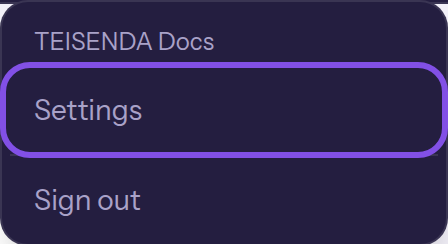
The settings entry in the menu behind your initials. -
Choose a personal page
Choose a page in Personal. On narrow screens, entries appear in a horizontal row without a group heading.
- My profile: your email address and the form for your name, language and display formats
- Security: your password, two-factor sign-in, active sessions and account deletion
- My Spaces: the list of your Spaces
- Connected apps: your connected applications
These are your own account's pages; they show the same information whichever Space you open them from.
Good to know
- If you belong to no Space, the entry in step 1 opens Personal details, and navigation shows only Personal.
Change your name, language and display formats
-
Fill in the form
Open My profile. Enter First name, Last name and, if needed, Mobile number; choose your language under Interface language.
-
Choose the display formats
Choose Date format, Time format, Time zone and Number format.
-
Save your profile
Click Save. Profile saved. appears above the button. A new language applies on every page.
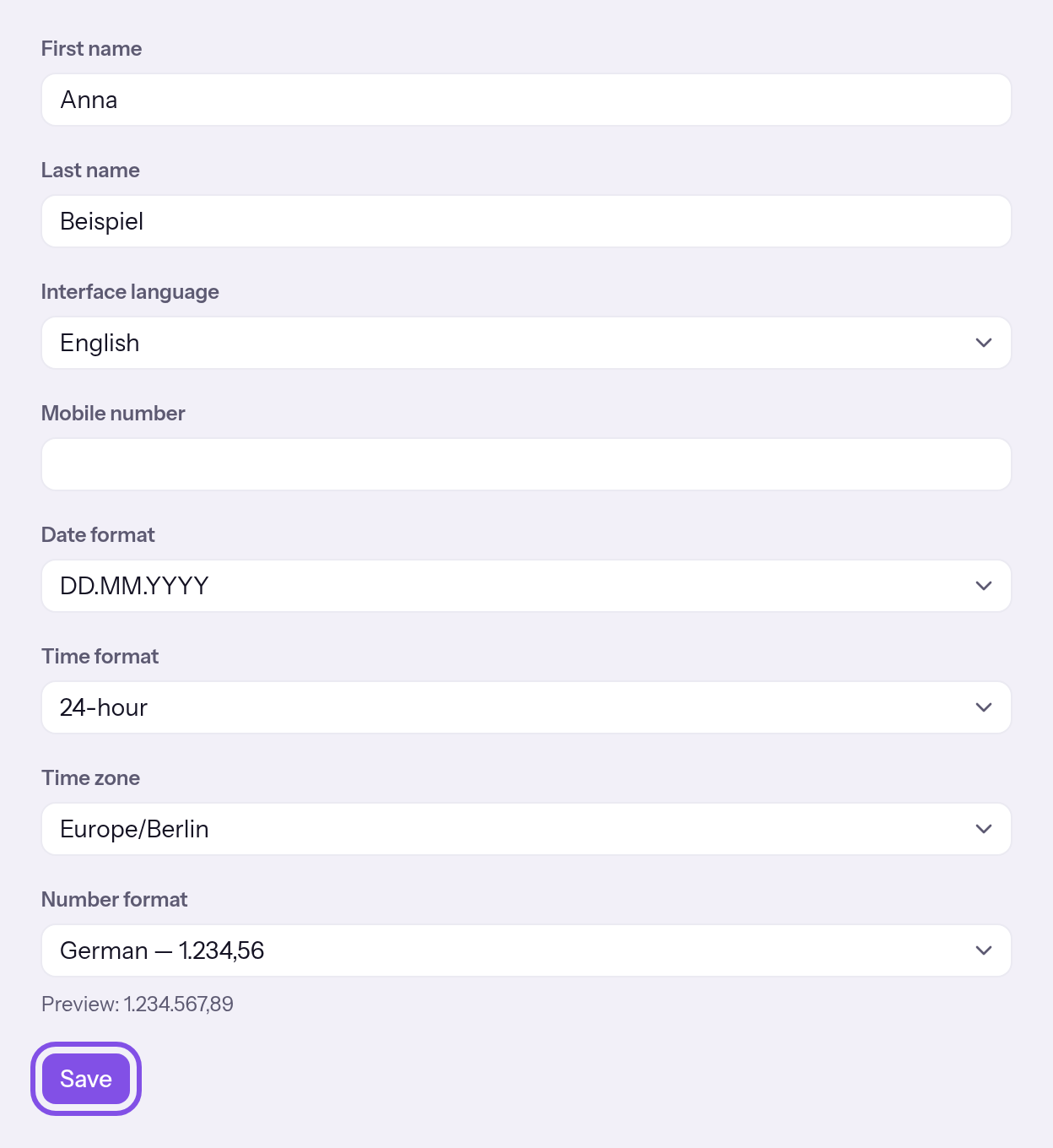
The profile form with its save button.
Your settings apply in all Spaces. The language also applies to future emails; date format, time format and time zone determine how times and dates appear.
Good to know
- Choose from 16 languages, 4 date patterns, 2 time formats and 4 number styles.
- Your personal time zone is independent of a Space's time zone.
If something goes wrong
Could not save your profile. Please try again.
TEISENDA did not accept the values: a name exceeds 120 characters, the phone number does not meet its requirements, or the time zone or language is unknown. The same message appears if the request failed. Correct the entry and save again.
The name field is highlighted
The name exceeds 120 characters. Shorten it; the message below the field may be in English.
The phone number field is highlighted
The phone number is neither empty nor 5 to 40 characters consisting of digits, spaces and the characters + ( ) / . -. The word “phone” alone appears below the field, in every language. Use only these characters, or clear the field.
More questions about your profile
What happens if I save empty first and last names?
Both fields may be empty. If you save both empty, your account keeps its previous name; it appears in the menu behind your initials.
Choose the language before signing in
On pages without sign-in, use a switcher to choose the language.
Note
You are not signed in. Once you sign in, your profile's language applies.
-
Choose the language in the switcher
On a page without sign-in, open the language switcher at the top right and choose a language.
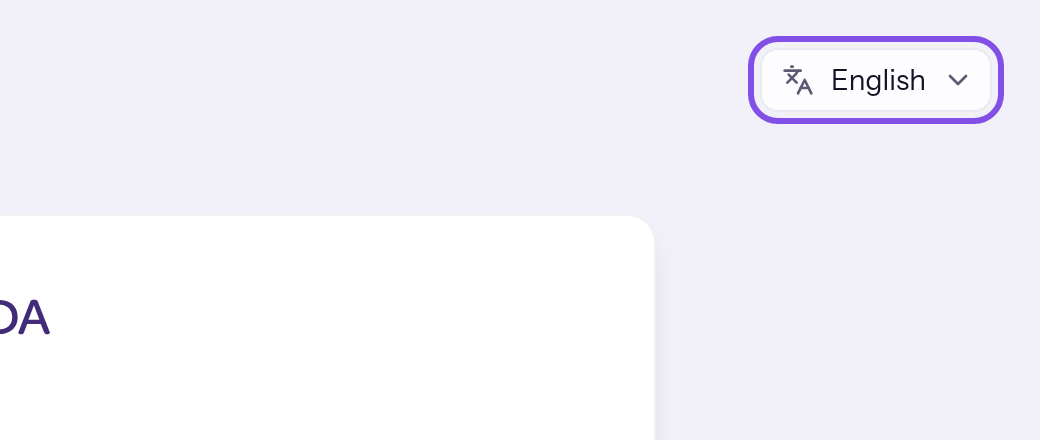
The language switcher at the top right.
The page appears in the chosen language. This browser remembers your choice in a cookie for a year; it applies to every page without sign-in.
More questions about language
Which languages are available, and which applies when?
The app offers 16 languages. When signed in, your profile's language applies. Otherwise, the chosen language or a link's ?lang= parameter takes priority, followed by the browser language, then German. Registration adopts the page's language. Emails use the recipient account's language, or German if none is stored.