
Cancel a subscription
Cancel your Max subscription at the end of its commitment.
On this page
Cancel the subscription
Note
You have Owner or Administrator in the Space. A Space is a shared workspace in the app.
The subscription is active or past due, has not ended and is not cancelled yet.
-
Open the cancellation dialog
On Billing, click Cancel subscription below the subscription summary. Nothing is cancelled yet.
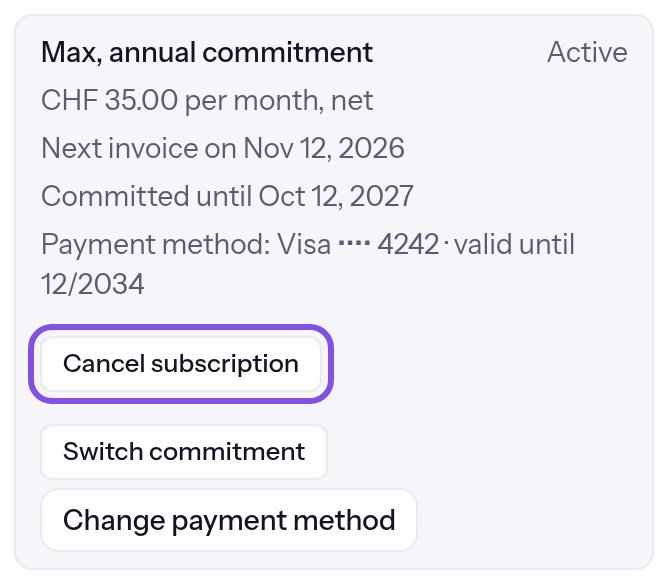
The cancel button. -
Enter a reason and comment
Both are optional; Prefer not to say is preselected. Click Continue.
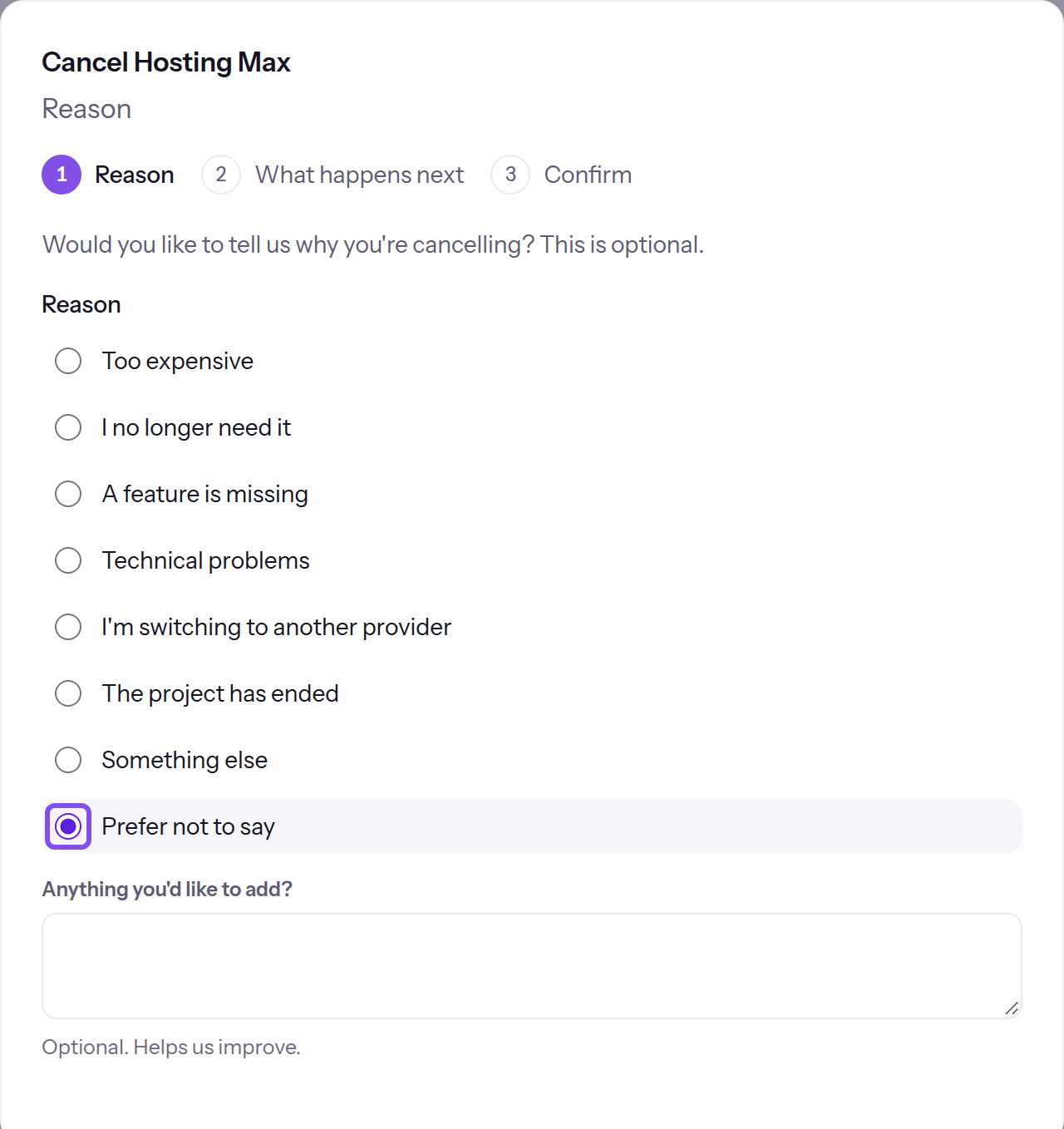
Reasons in the first step. -
Read what happens next
In the second step, check whether your usage fits within Free. If not, you see the exceeded limits and the date your websites go offline; usage at the subscription's end is decisive. The dialog also gives the scheduled deletion date. See After a subscription ends for how to prevent deletion. Click Continue.
-
Submit cancellation
In the third step, click Cancel subscription now.
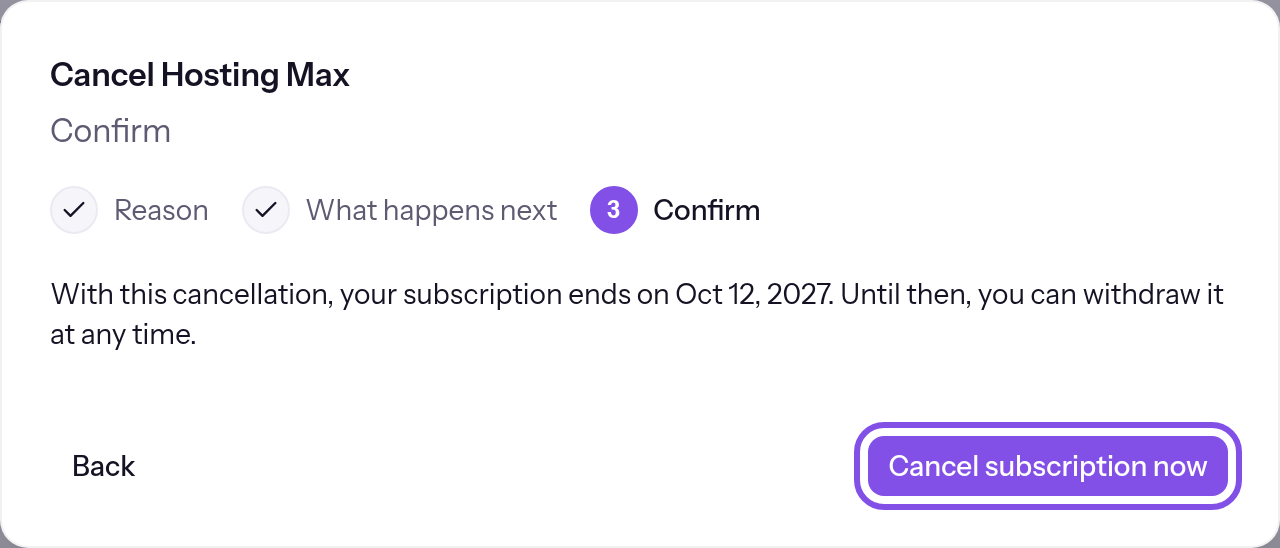
The button in the dialog.
The message states when the subscription ends. Until then, you can withdraw cancellation with Withdraw cancellation.
Good to know
- Cancellation takes effect at the end of the commitment: after the paid month for monthly commitments, or after the twelve months for annual commitments. Max remains unchanged until then.
- Packages end with the subscription. For what happens to websites, see What happens when a subscription ends.
- A cancelled subscription allows no commitment change, and you cannot buy or remove packages until you withdraw cancellation.
If something goes wrong
Only Owners and Administrators can cancel.
You have User or Read-only and the button is disabled. A member with Owner or Administrator must cancel.
The payment provider isn't responding right now. Please try again in a moment.
The payment provider did not respond and TEISENDA cancelled nothing. Try again a little later.
No subscription is running.
The subscription has since ended. Reload the page.
The subscription is already cancelled.
The subscription is already cancelled. Reload the page.
You don't have permission to cancel.
TEISENDA rejected cancellation because you are not Owner or Administrator, or your session expired. Sign in again as Owner or Administrator.
That didn't work. Please try again.
Cancellation failed for another reason, for example because the subscription has no end date. Try again; if it persists, contact support.
More questions about cancellation
What happens to a scheduled commitment change?
A scheduled commitment change does not occur after cancellation; the dialog's second step states this with Your scheduled commitment switch then won't happen: the subscription ends on the same day. If you withdraw cancellation, the change applies again.
Which cancellation emails do I receive?
TEISENDA sends them to the invoice email address in billing details, using the stored invoice language. Without billing details, none is sent.
- “Cancellation confirmed: … ends on …”, once per cancellation as soon as the end date is known.
- “… ends on …”, once per end, within the preceding 7 days; only if you cancelled more than 7 days beforehand. Based on usage at that moment, the text says whether the Space switches to Free or goes offline.
- “… has ended”, when the subscription ends as cancelled, at most 7 days afterwards. The text says whether the Space is now on Free or offline.
- “Cancellation withdrawn: … continues”, when you withdraw cancellation. If you withdraw before the first email is sent, you receive only this one.