
Upload files
Upload a new website version as an archive.
On this page
Upload your website as an archive and publish the new version afterwards.
Note
You need Owner, Administrator or User in the Space. A Space is a shared workspace in the app.
The files are packed into an archive (.zip, .tar, .tar.gz or .tgz), with an index.html in its root folder.
The project is not offline. The Space has a publication available (called Deployments in the app; Free allows 3 in total) and storage space.
Upload the archive
-
Choose the archive
On the project page, drag the archive onto Drag an archive here, or click the area and select the file. Upload starts only in the next step.
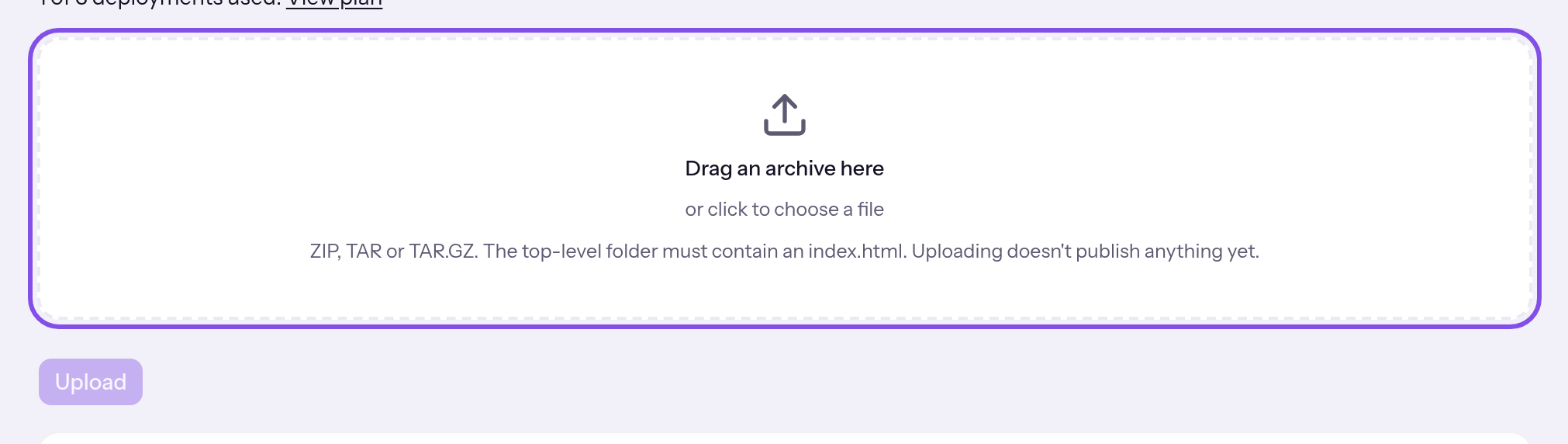
The upload area. -
Start the upload
Click Upload and wait for Uploaded. The version is ready..
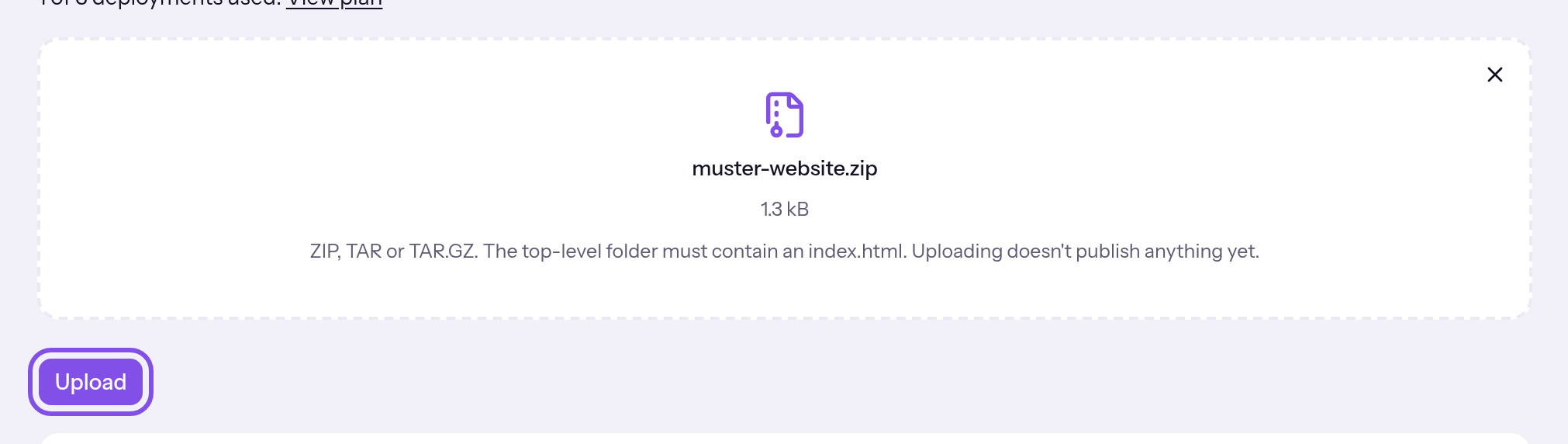
The archive is selected; the upload button is highlighted.
The new version appears at the top of the list with Ready and Publish. Next, publish it.
Good to know
- Uploading publishes nothing: visitors still see the previously published version. The plan counts only a version's first publication.
- The interface accepts exactly one archive per upload, not individual files or folders.
- A new version can permanently displace older versions; the published version and backups stay protected. Check the retention rule.
- An upload replaces the entire contents of an existing draft, including files from a connected application.
These limits apply to archives and versions
- On Free, a version is at most 50 MB with 1,000 files, and the Space has 100 MB storage.
- A packed archive is at most 200 MB; each file inside is at most 25 MB.
- An unpacked version is at most 300 MB with 5,000 files.
- Space storage is limited on every plan. See the figures under Limits.
If something goes wrong
The project hasn't been transferred to the hosting node yet.
The hosting node has never accepted the project and cannot receive files yet. The upload area and button are disabled; the sentence appears between them. Send the project first: Send the current state again.
Your plan's deployments are used up. Another version couldn't be published, so uploading is blocked.
The Space has used its plan's publications, 3 in total on Free. A new version could not be published, so TEISENDA does not upload it. You can still republish previously published versions. Another publication requires Max: Plans.
The storage of this Space is full. Delete versions or backups before you upload a new version.
The Space's storage is full, even accounting for what a new version would free in this project. TEISENDA uploads nothing and creates no version. Delete versions or backups. Max and its packages provide more storage: Plans.
Choose an archive: ZIP, TAR or TAR.GZ.
You have selected no file, or its name does not end in .zip, .tar, .tar.gz or .tgz. The sentence appears below the area and the upload button stays disabled. Pack the website files into a ZIP or TAR archive and select it.
“The archive exceeds the allowed size (…).”
The archive exceeds 200 MB or the Space's remaining storage. Your browser does not send it. Reduce it, for example by compressing images or omitting files the website does not need.
The archive has no index.html in its top-level folder.
The archive's root folder has no index.html, and the files are not all inside one folder containing it either. The version remains a draft. Pack the archive with index.html at the top level or in the one folder containing everything, then upload again.
That isn't a ZIP, TAR or TAR.GZ archive.
The file has an archive extension but its contents are not a zip, tar or tar.gz archive. Recreate it as ZIP, TAR or TAR.GZ.
The archive is damaged.
The hosting node could not read the archive to the end. Recreate and upload it again.
The archive contains no files.
The archive contains no file the hosting node accepts: it is empty, or the node skips everything inside, such as hidden files and links. Check its contents and upload again.
A file in the archive is too large.
A file in the archive exceeds 25 MB. Reduce it or omit it.
The archive is too large overall.
The unpacked archive exceeds 300 MB. Reduce the website to at most 300 MB.
The archive contains too many files.
The archive has more than 5,000 files. Reduce the file count.
“The version was not accepted: its size is …; this Space's plan allows … per version.”
The version exceeds the plan's per-version size limit. TEISENDA discarded it; older versions are unchanged. Reduce the website. Max has no separate per-version limit: Plans.
“The version was not accepted: it has … files; this Space's plan allows … per version.”
The version has more files than the plan allows. TEISENDA discarded it; older versions are unchanged. Reduce the file count. Max has no separate per-version limit: Plans.
“The version was not accepted: it would use …; this Space's plan allows …. Delete versions or backups, or change plans.”
The version would put the Space above its plan's storage allowance. TEISENDA discarded it; older versions are unchanged. Delete versions or backups. Max and its packages provide more storage: Plans.
The upload failed. Please try again.
The archive did not reach the hosting node, for example because the connection dropped, and the node gives no reason. The draft remains open. Upload the archive again.
The upload address has expired. Upload the archive again.
The upload address was no longer valid when the archive arrived: more than 15 minutes passed, or the address ended early, for example because the project went offline. Upload again; each upload receives a new address.
The project has reached the maximum number of versions. Delete an older one first.
The hosting node already holds 20 versions of this project, including ones deleted in TEISENDA but not yet removed at the node. Delete an older version from the list, or wait a few minutes for the app to remove deleted versions at the node. Then upload again.
The project is offline.
The project or its Space is offline. With Offline, bring the project online again. Without this badge, check the Space: Why does my website not respond although the project is online?
The hosting node isn't responding.
The hosting node did not respond within 10 seconds. Try again in a few minutes.
The hosting node rejected the version.
The hosting node rejected the version for a reason without a specific interface message, for example maintenance or no storage space. Try again later. If the message remains, contact support.
For messages such as You don't have permission for that., see Understanding hosting.
More questions about uploads
What does TEISENDA do with the archive?
- The version contains exactly the archive's files.
- If all files are inside one folder and
index.htmlis there, the hosting node uses that folder as the root. - Without a message, it omits files and folders whose names start with a dot (except
.well-knownat the top level), the folders__MACOSX,.gitandnode_modules, the files.DS_Store,Thumbs.dbanddesktop.iniand entries that are not files, such as links.
A failed upload leaves a draft
If an upload fails after its first phase, a draft with Open remains in the list, with the reason below its status. This can also happen if a connected application writes files through the Connector without completing the draft. Discard it using Delete in its row menu: Delete a version. You cannot publish a draft.
Can I upload individual files?
Not in the interface. Through the Connector, a connected application can write individual files to the draft with hosting_put_files or use hosting_create_upload to obtain an address for a whole archive. hosting_read_file reads a file. The interface itself shows no file list or preview.