
Quickstart: from your account to your first website
Start with your account, then publish your first website.
On this page
Note
Your website is available as an archive (.zip, .tar, .tar.gz or .tgz), with an index.html in its root folder.
Without an invitation, you can only register while registration is open. If it is closed, see Register.
You act as a business, not as a consumer.
Go from account to website
-
Register
On
https://app.teisenda.com/register, complete the form, check the three boxes and click Sign up. The registration creates your account and first Space. A Space is a shared workspace in the app. -
Confirm your email address
Open the link in the email with the subject Confirm your email address to unlock your Space. Then click Go to sign in and sign in. Details: Register and Sign in.
-
Set up your Space
In the Set up your Space dialogue, enter a name under Display name, choose Time zone and click Save. Details: Set up a Space.
-
Create a project
Open Projects and click Create project. Enter the name under Name and confirm with Create; the creation guide shows the dialogue.
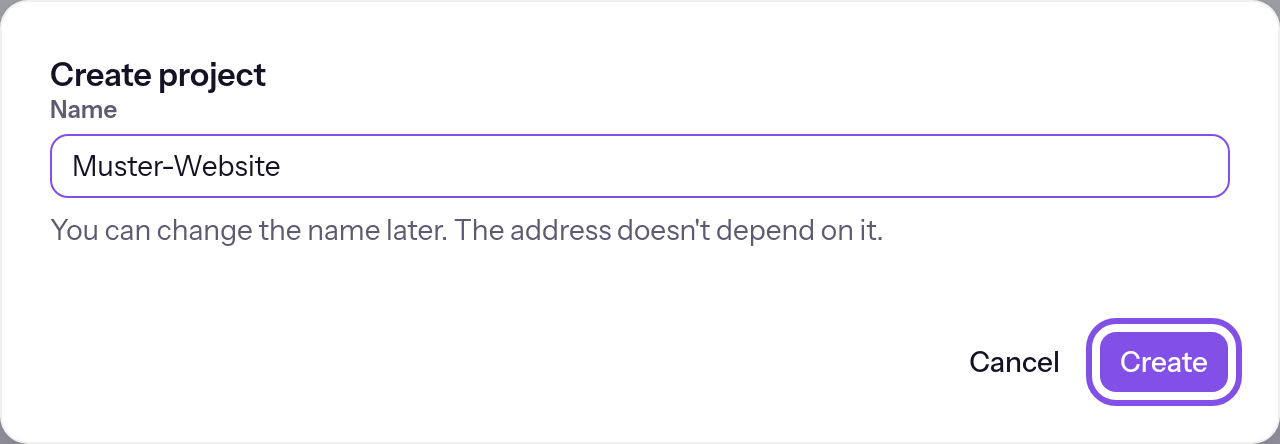
Give your project a name. -
Upload the files
Drag your archive onto Drag an archive here and click Upload. At Uploaded. The version is ready., the version is ready; see Upload files.
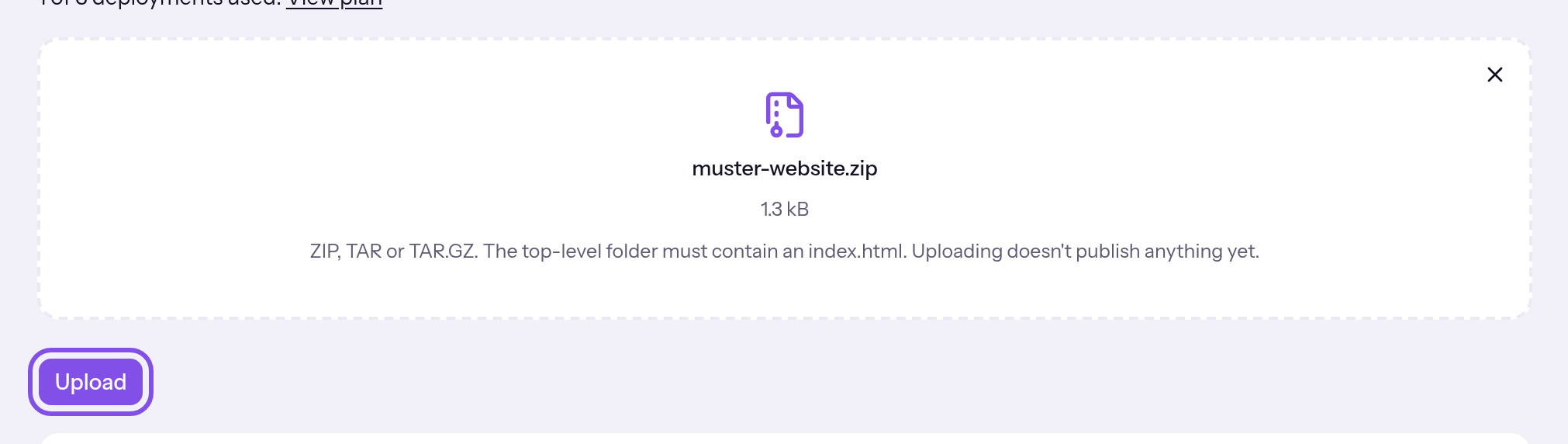
After selecting the archive, upload it. -
Publish the version
Click Publish beside the new version. Published marks the published version.
-
Make the website public
A new project is private: TEISENDA sign-in appears before the website. In the project page's Visibility section, enable Publicly visible and confirm with Make public. Skip this step if the website should remain private. Details: Visibility.
Your website now responds at the project's TEISENDA address, <Projektnummer>-<Space-ID>.teisendahosting.com.
Good to know
- The link in the confirmation email is valid for 7 days. If you never confirm your address, TEISENDA removes the registration and Space.
- On Free, a Space has at most 1 project.
- The plan counts each publication, meaning the first time each version is published; the app calls them Deployments. On Free, a Space has 3 in total across all its projects, and the count never resets.